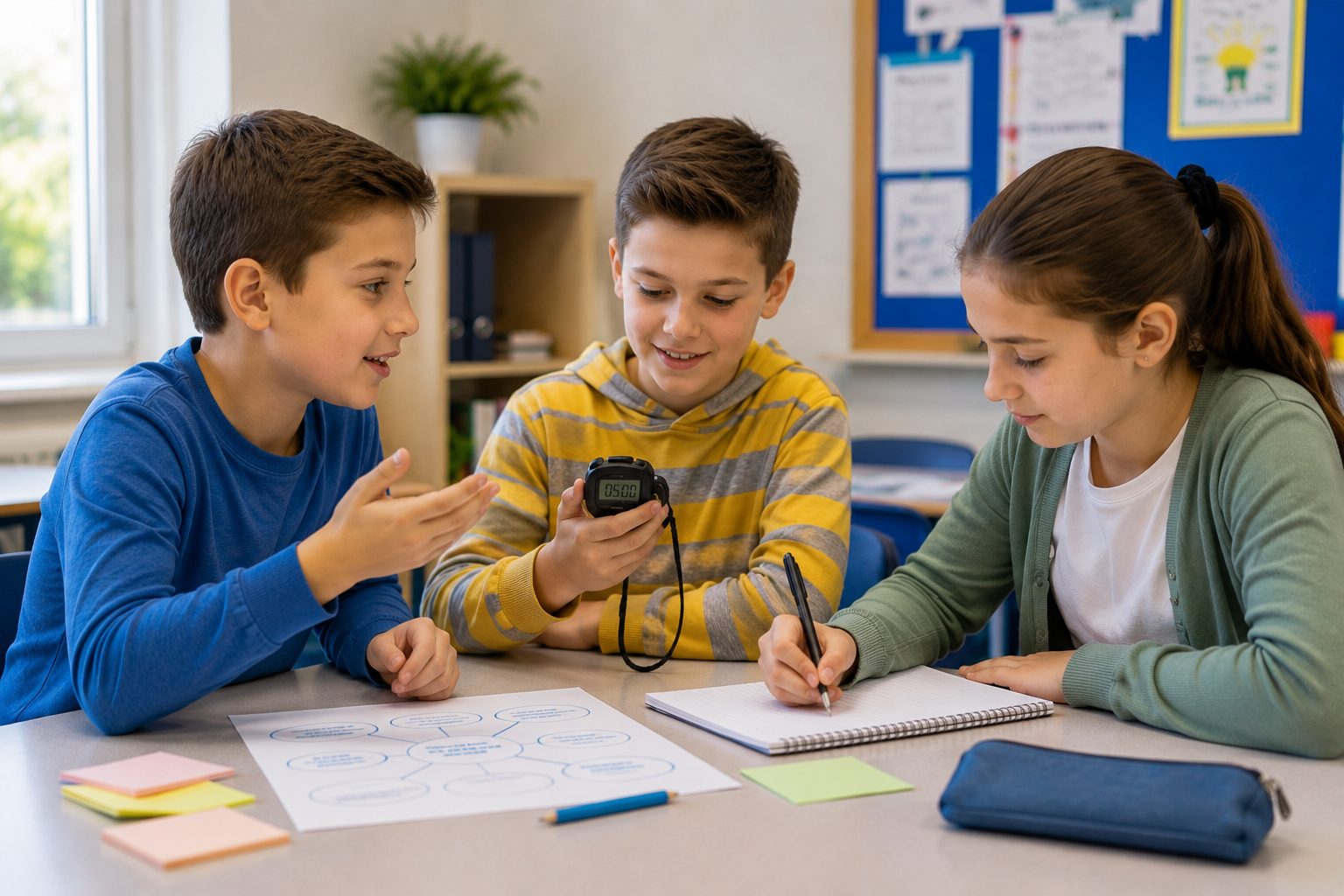

Clear roles in group work make it easier for every student to contribute and harder for anyone to disappear into the group. Four roles are a practical starting point for many classroom tasks: facilitator, materials manager, timekeeper and recorder. Design and research tasks may need different roles. Here is what each role does, how to introduce them and when you should leave roles out altogether.
A role is not a label. It is a reason to participate - the difference between four students working together and one student doing the work while three watch.
Why do roles work in group work?
"Work together in groups" sounds like a complete instruction.
It is not.
It leaves several questions unanswered:
Who starts?
Who keeps track of time?
Who gets the materials?
Who makes sure everyone contributes?
Who records the result?
Without a clear division of responsibilities, a familiar pattern appears quickly: one student takes over, another does the writing, and everyone else waits.
Cooperative learning depends partly on individual accountability. Each student needs a reason to contribute.
A role makes that responsibility visible.
Instead of saying:
"Come on, participate."
a student can say:
"You're the timekeeper. How much time do we have left?"
Responsibility gradually moves from the teacher to the group itself.
Four roles that work in many group tasks
The LudensFlow Basic Kit includes four practical collaboration roles.
1. Facilitator
The facilitator helps the group stay on task and makes sure everyone gets a chance to contribute.
The facilitator:
manages turns;
keeps the group focused;
makes sure nobody is left out;
acts as the group's contact person when needed.
A typical sentence might be:
"We've gone off track. Where were we?"
The facilitator is not automatically "the boss". The point is to help the group work together.
2. Materials manager
The materials manager is responsible for what the group needs to work.
This student:
collects materials;
makes sure they are used safely and carefully;
keeps the materials together;
returns everything at the end.
A useful rule is that only the materials manager gets up to collect things.
That prevents four students from walking around the classroom while everyone else is trying to work.
3. Timekeeper
The timekeeper keeps an eye on pace.
This student:
monitors the available time;
gives a halfway warning;
announces when the end is approaching;
helps the group make decisions when time is running out.
For example:
"Five minutes left. We need to decide now."
The role is therefore more than watching the clock. It helps the group turn its work into a result within the available time.
4. Recorder
The recorder keeps track of what the group discusses and decides.
This student:
writes down answers and agreements;
summarises the group result;
checks that everyone agrees;
presents the result when needed.
That last point matters. The recorder should not simply write down their own answer. The goal is to record what the group has actually agreed on.
STEM roles: when the process is different
Design, building and research tasks often need a different division of responsibilities.
The Basic Kit includes four STEM roles for this purpose.
Designer
The designer develops the solution and may sketch it before the group starts building.
They also keep the requirements of the task in view.
Builder
The builder turns the design into something real.
They construct, assemble or create the prototype, working carefully and safely.
Tester
The tester checks whether the result actually works.
What works? What does not? What needs to change?
Testing turns improvement into a concrete part of the process rather than a vague "looks good" or "doesn't work".
Presenter
The presenter explains what the group created, how it works and what the team learned.
The four roles therefore correspond to different stages:
design → build → test → present
How to introduce roles: one at a time
A common mistake is introducing four roles at once and expecting students to understand the system immediately.
Start smaller.
1. Start with one role
The materials manager is an easy first role.
The responsibility is concrete and visible: collect, manage and return the materials.
2. Practise the role explicitly
Briefly explain:
what the role does;
what it does not do;
what the rules are;
what the student can say or do.
Then let students practise the role through a complete group task.
3. Add a second role
Once the first role is familiar, add the timekeeper or recorder.
Let the structure grow with the class.
4. Rotate the roles
Do not let the same student be the facilitator every time.
Rotating roles gives everyone experience with different kinds of participation and prevents existing social hierarchies from becoming permanent.
When should you use roles - and when shouldn't you?
Roles are particularly useful for:
tasks that last more than about fifteen minutes;
groups of three or four;
tasks where several responsibilities need to happen at once;
groups where free-riding is a problem.
For a very short task, roles can create more overhead than value.
If students have two minutes to compare one answer, explaining four roles may take longer than the activity itself.
The same applies to pairs. Four separate roles are usually unnecessary when there are only two people.
And there is another important distinction:
a role is not the same as a learning contribution.
A student can be the timekeeper and still be fully engaged with the subject matter.
Roles structure the collaboration. They do not replace the learning task.
Functional roles are not personality types
Classroom roles should not be confused with personality types or team-role frameworks.
A personality type asks:
"Who are you in a team?"
A functional classroom role asks:
"What are you doing in this particular task?"
That distinction is what makes roles useful to rotate.
A student who is the facilitator today does not necessarily have to be "a leader".
A student who manages materials tomorrow is not necessarily "the practical one".
The role belongs to the task, not to the child's identity.
Common mistakes
Introducing every role at once
Start with one and build gradually.
Always choosing the same facilitator
If the same student always leads, you can easily reinforce the hierarchy that already exists in the group.
Rotate roles deliberately.
Giving a role without connecting it to the learning
A timekeeper who only watches the clock can become disconnected from the actual task.
Connect every role to the purpose of the assignment.
Having more roles than students
A group of four does not need five roles.
Keep the number of roles equal to or smaller than the number of students.
Using roles simply because students are working in groups
Not every group task needs formal roles.
The question is not:
"Which roles can we use today?"
It is:
"Which responsibility needs to be made visible in this task?"
A good task gives students a reason to work together.
Good role design makes sure they actually do it.
Good classroom roles do not need to become a complicated system. Start with one clear responsibility, practise it, rotate roles, and add only what the task genuinely needs.
The LudensFlow Basic Kit includes reusable role cards with concrete responsibilities and visual cues, so students do not just hear what their role is - they can keep it in front of them while they work.